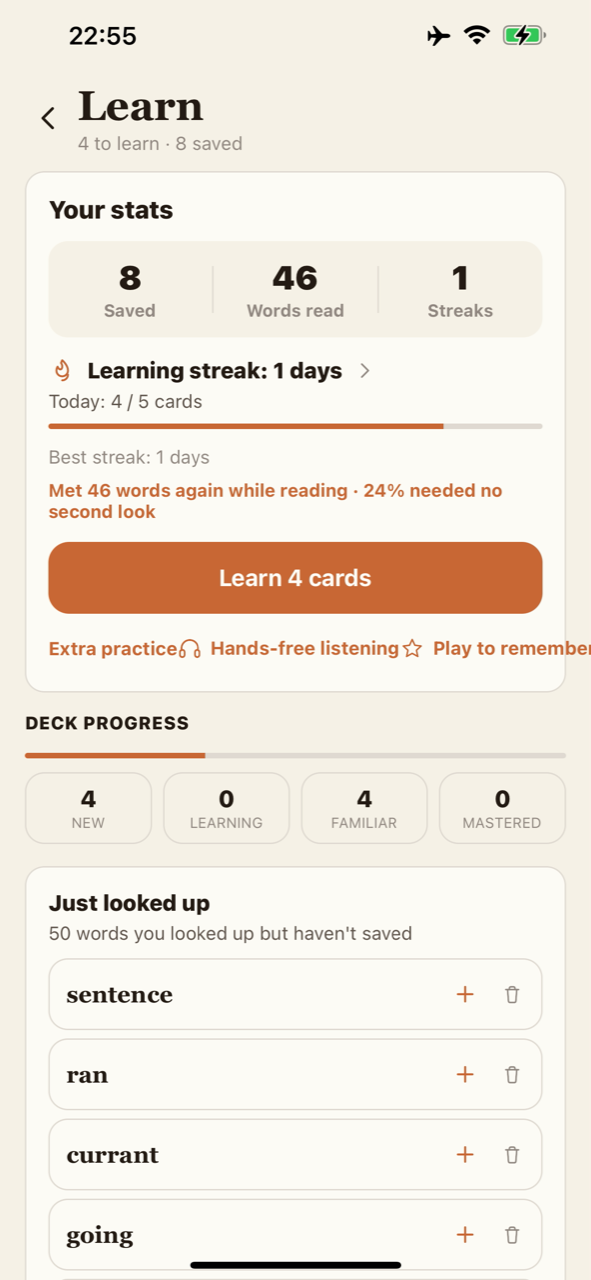
“Offline” is most useful when you know exactly which job it describes. Reading a stored page, generating speech, asking for a grammar explanation and confirming a purchase are different operations. An app can perform some on your device and need a connection for others. That is the distinction to understand before using a reader on a journey.
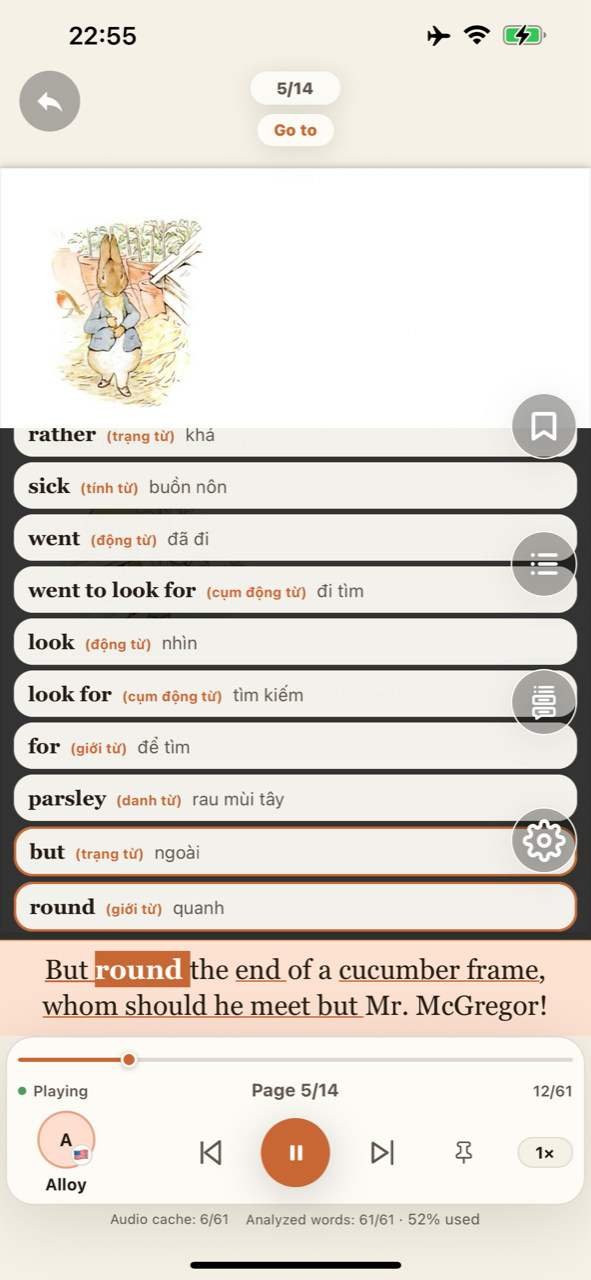
On-device speech reads the text on your phone
In English Book Reader, speech is generated on your device. Once the required voice resources are available, reading and listening do not need an internet connection. Your selected English voice can read the stored text while you follow the sentence on the page.
Voice setup is a separate step. On Android, a voice may need a one-time download. Complete that while connected and try a short passage before relying on it during a trip. Switching to a voice you have not prepared may require connectivity.
Analyze online, revisit saved explanations offline
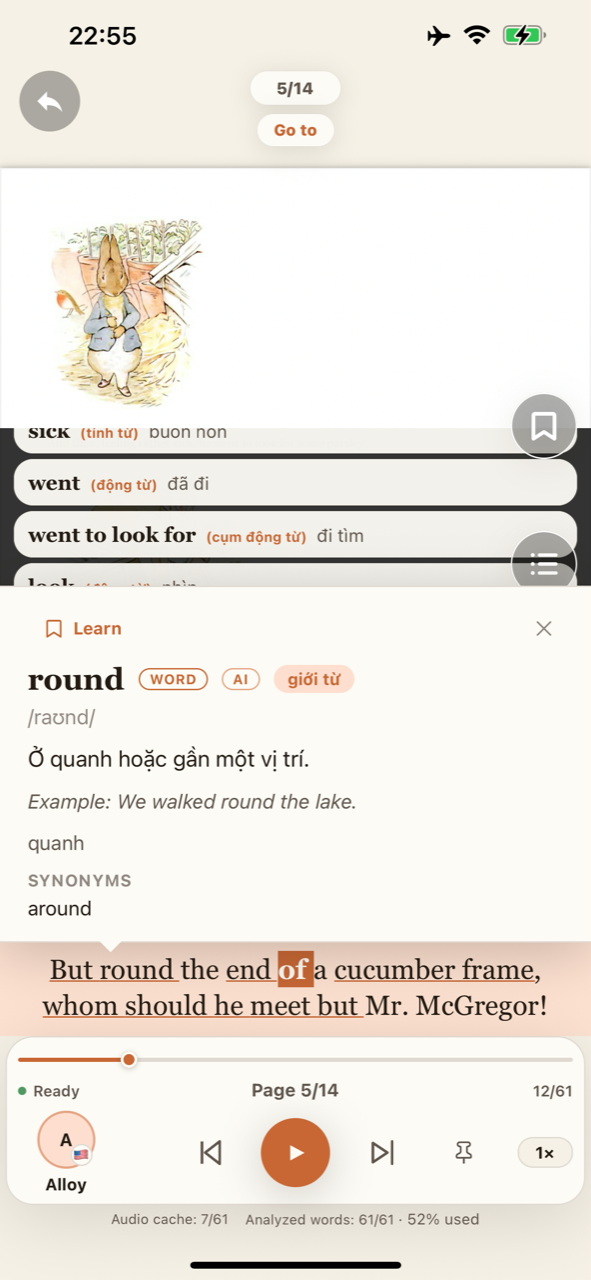
A contextual definition, sentence translation or grammar breakdown is different from speaking the words aloud. The AI learning layer uses an internet service to analyze new text. Once a page has been analyzed and its results saved on your device, you can view those meanings, grammar explanations and translations offline.
Before going offline, analyze the pages you want to study and check that their results are available on your device. Save a useful word, phrase or grammar point with its source sentence. New analysis or results not yet saved still need internet.
Separate privacy questions by operation
On-device speech describes where audio is generated. It does not mean that no part of the application ever communicates with a server. AI analysis, purchase verification and support have their own connectivity and data requirements.
That is why a product should explain the boundary rather than call every feature completely offline. Read the app Privacy Policy for the details. If a passage contains sensitive information, decide whether connected AI analysis is appropriate before requesting it.
Prepare a practical offline session
Choose the material you want to read, complete voice setup and check that the text has extracted in the right order. Play a short paragraph without internet. Confirm that you can hear it and follow the highlighted sentence. A quick test is more useful than discovering a missing resource after leaving home.
Analyze the pages you want to study while connected, then check that their explanations and translations have been saved on your device. While offline, you can listen and revisit those saved results. Reconnect when you want to analyze new content.
Understand what the plans change
Reading and listening stay free in English Book Reader. Premium provides AI word, phrase and grammar analysis. Check the app for current AI access, applicable usage limits and purchase details.
New AI analysis needs internet regardless of plan; viewing analysis results already saved on your device can work offline. Check the Free and Premium details, compare English voice samples and explore the reading features to choose the experience that fits your day.
Bring the words into your reading.
Explore reading, on-device listening and AI English learning in one app.
Explore the app