A PDF is a visual document, but listening needs a readable sequence of text. That difference explains why one file reads smoothly and another jumps between columns or announces a page number in the middle of a sentence. Before choosing a voice, it helps to understand what your reader is being asked to read.
Check whether the PDF contains selectable text
Try selecting a sentence in a PDF viewer. If you can select individual words, the file probably contains a text layer. If the entire page behaves like a photograph, it may be a scan. A scanned page needs text recognition before a voice can read its words.
English Book Reader supports PDF import as well as camera scans and photos. The quality of the original still matters. A straight, well-lit photograph with readable print gives the recognition process a better starting point than a blurred or shadowed page.
Listen to a short section before a whole chapter
Start with a paragraph containing ordinary body text. Does the reading order make sense? Are headings mixed into the passage? A textbook with two columns, footnotes and diagrams may need more attention than a simple story. If extraction is confusing, try a clearer copy or paste a short passage as text.
Repeated headers and page numbers can also interrupt narration. The app lets you mark a running header or page number so it is left out of the reading. Check the result on a short section before relying on it throughout a long document.
Choose highlighting that helps you follow
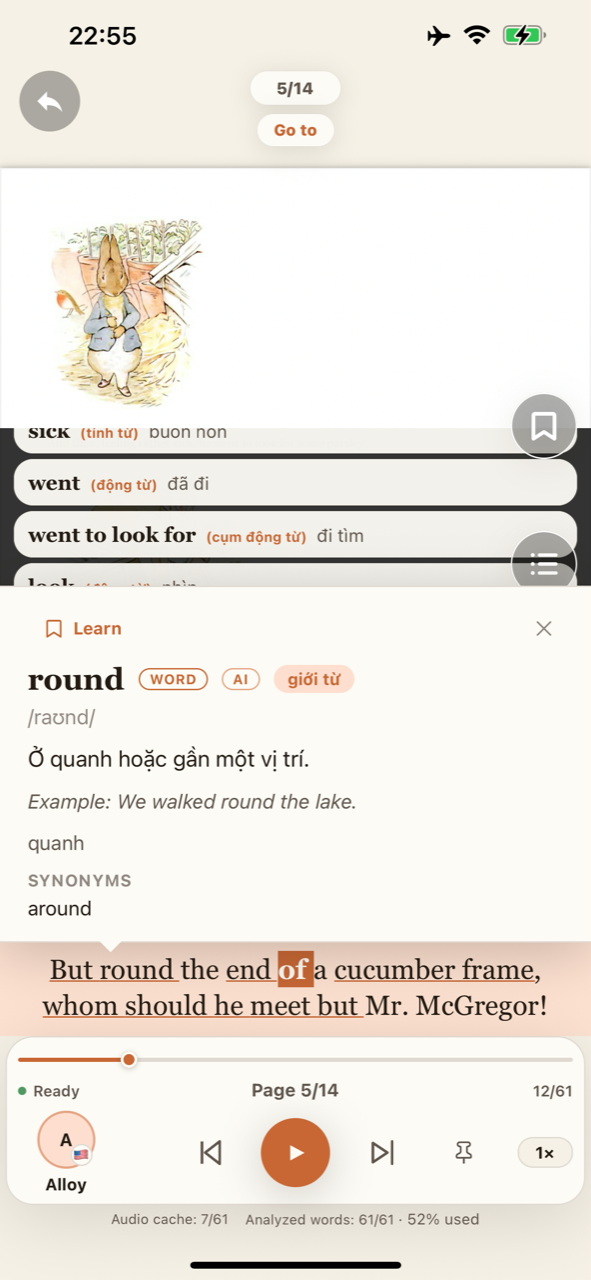
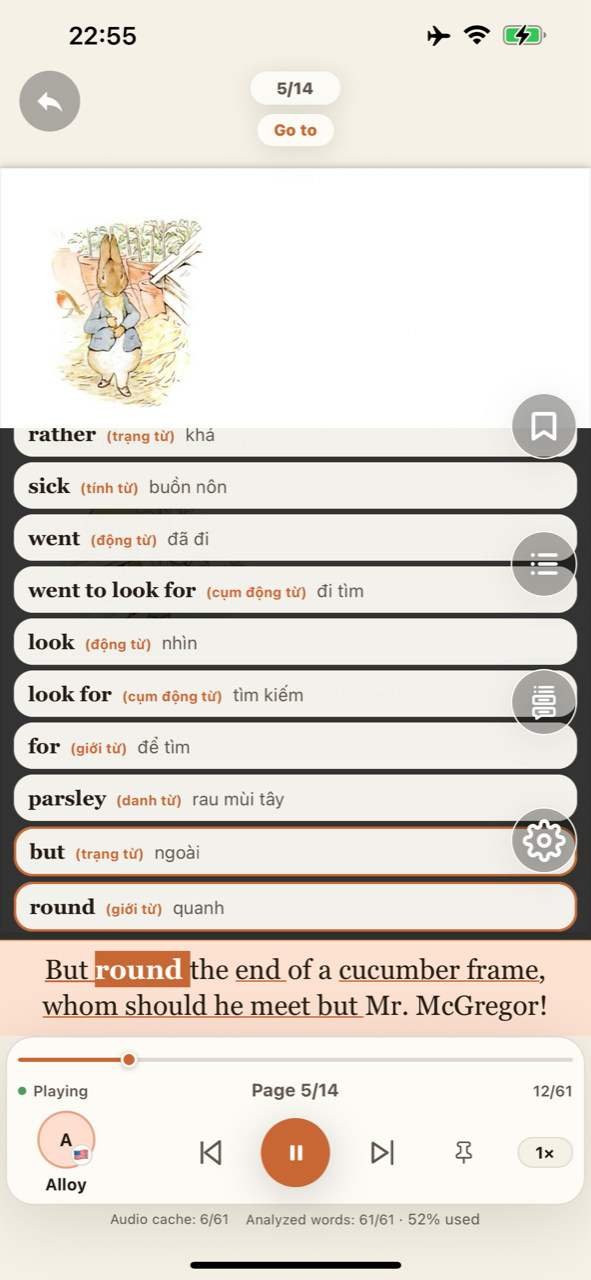
A voice alone can be convenient, but a highlighted sentence helps you keep the audio attached to the page. You can see the current sentence and pause at an unfamiliar expression. Optional word highlighting adds another visual cue when you want to follow more closely.
For English practice, begin with a pace at which you can connect the sound and spelling. A very slow voice is not automatically better. Adjust the speed, repeat an individual sentence and move back toward a comfortable pace once its meaning is clear.
Prepare the voices before you go offline
On-device speech needs the relevant voice resources to be available on the phone. Complete any required setup while connected, then try a short listening session without internet. On Android, selecting another voice can require a one-time download.
In English Book Reader, reading and listening run on your device. Analyzing new pages with AI needs internet, but saved word explanations, grammar and translations can be viewed offline afterward. A downloaded voice alone does not prepare AI results: analyze the pages you need while connected. Our offline and AI article explains the distinction.
Turn listening into an English reading session
Follow a paragraph, pause when a phrase changes the meaning and keep a few expressions for review. If the document is for work or study, use headings to decide which section deserves close attention. Listening can support your reading, but you should still check important details against the original page.
Explore the PDF reader features and compare real English voice samples before choosing your next listening session. The app is designed for your own books and documents, rather than a built-in audiobook catalog.
Bring the words into your reading.
Explore reading, on-device listening and AI English learning in one app.
Explore the app