Your books. Your words. Your progress.
English Book Reader AI & Learn
Read a little. Listen a little. Learn something that stays. Bring your own English books and turn every page into vocabulary, understanding and practice.


For iPhone, iPad and Android
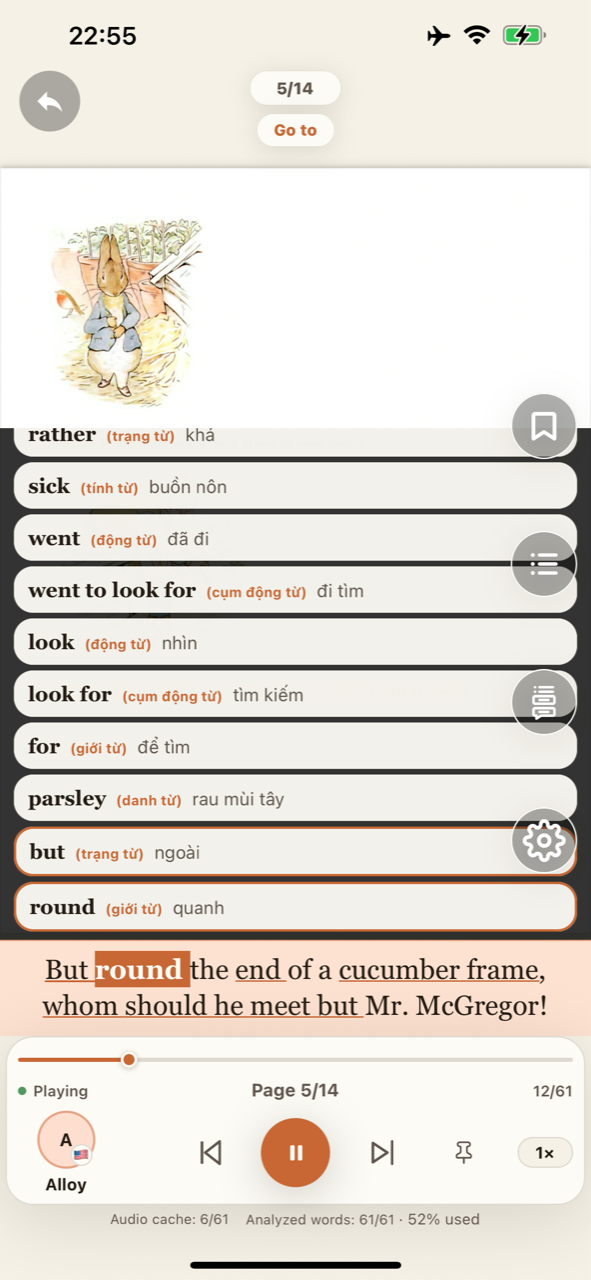
Reading and learning, together
A reading habit. An English habit.
Keep your books close and your learning in context. Listen to a passage, explore a word, then pick up exactly where you left off.
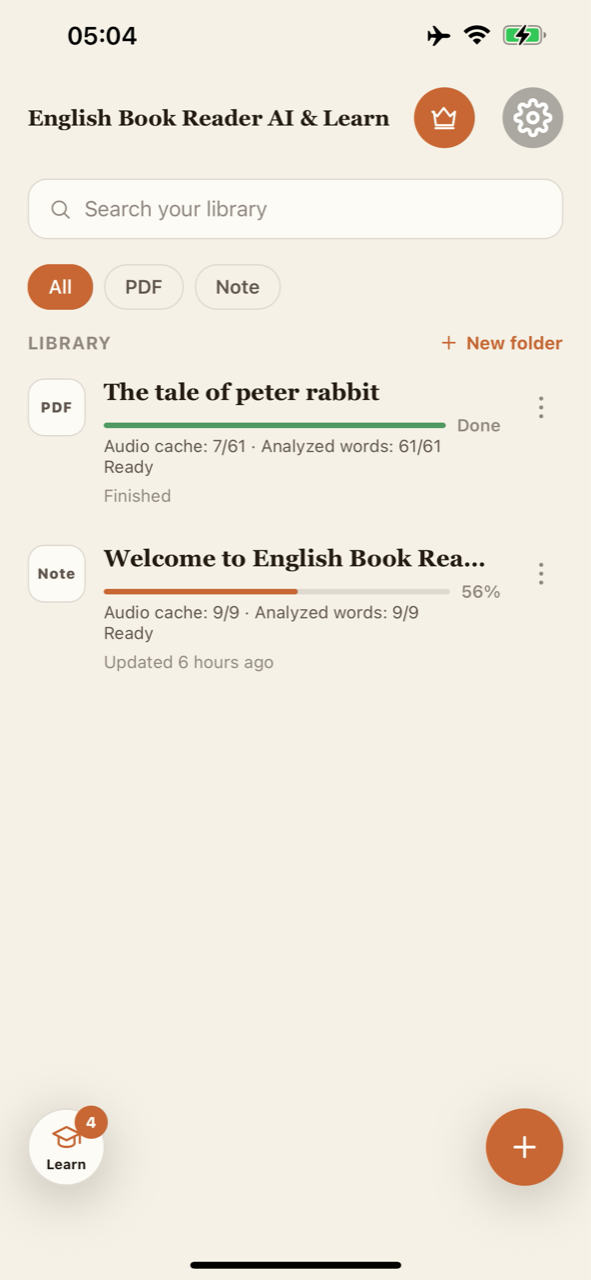
Your own bookshelf
Bring in PDFs and notes. Organize them in folders and keep track of your reading progress.
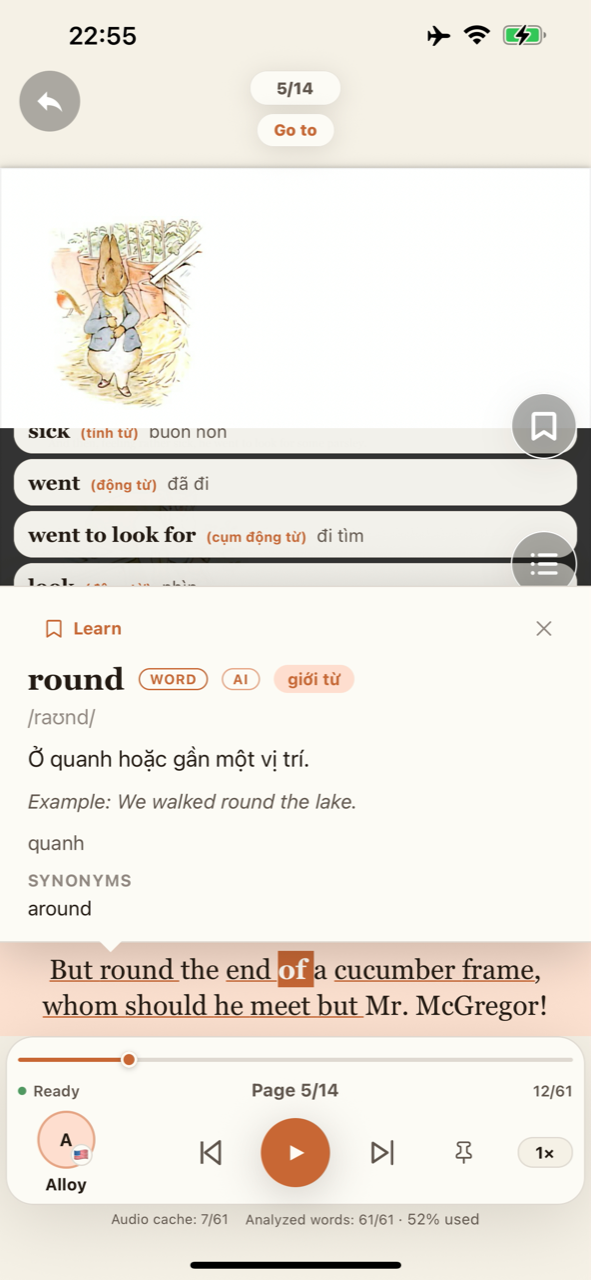
Meaning on the page
Explore words and expressions with pronunciation, examples and AI explanations in context.
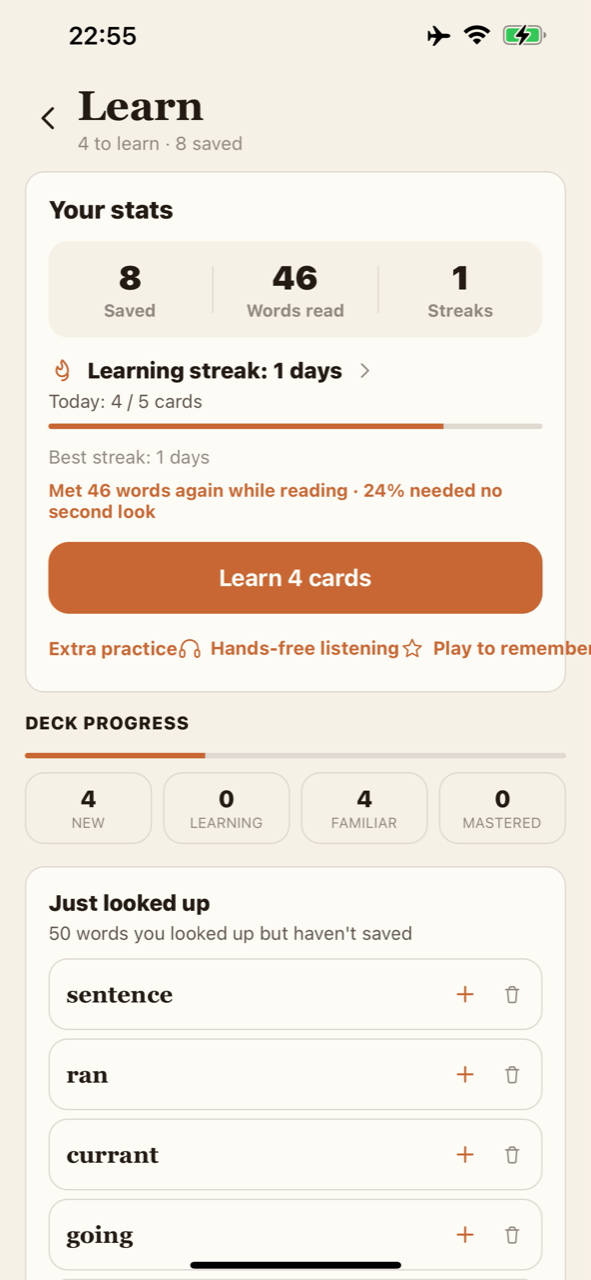
Words worth keeping
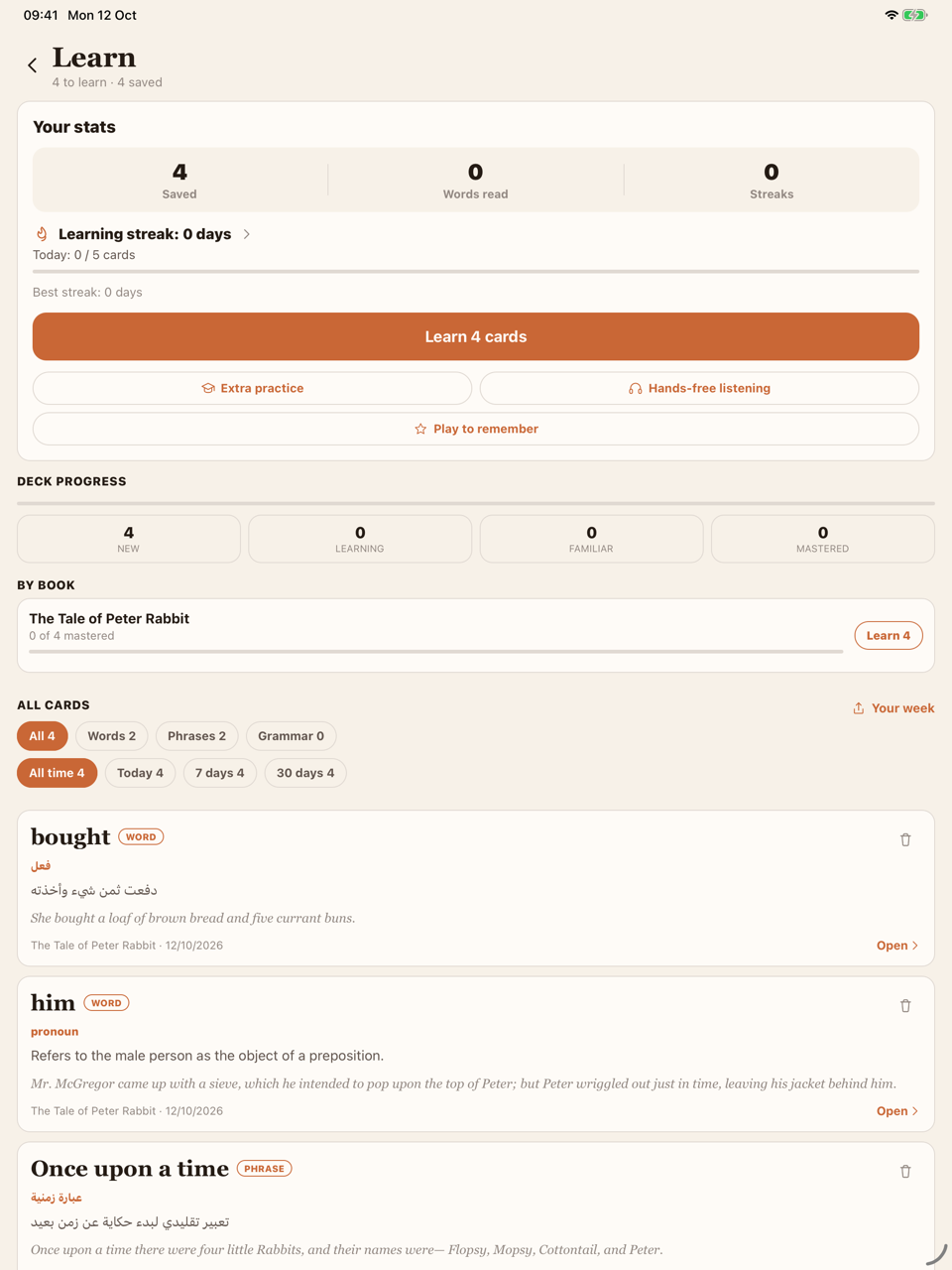
Save useful vocabulary from your reading and return to it in your personal learning deck.
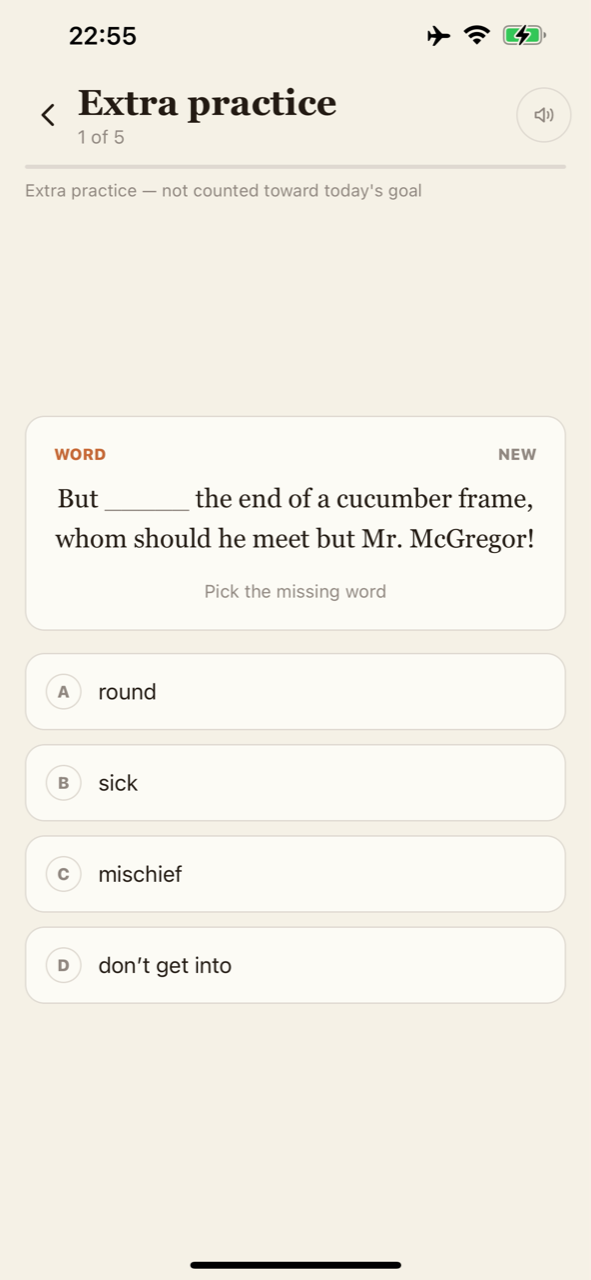
Make it stick
Review your saved vocabulary through practice and learning games, a few words at a time.
More than a definition
Stay with the story. Understand more of it.
Your book gives each word a reason to matter. AI helps you understand the vocabulary, expressions and grammar you meet along the way.
Learn in context
Get meanings, translations and grammar help connected to the passage you are reading.
Listen at your own pace
Choose a voice, adjust playback speed and follow sentence captions. Review with hands-free listening, too.
Build a small daily habit
Track saved words, deck progress and learning streaks as you come back to practice.
From page to practice
Start with your next English page.
- 01
Bring something to read
Open a PDF, scan a page, choose a photo, paste a passage or write a note.
- 02
Press play and follow along
Listen to your text with on-device voices and follow the sentence as you read.
- 03
Keep the words you meet
Look up what catches your attention, save it and come back for a little practice.
On-device reading
Listen offline. Connect for AI help.
Reading and listening run on your device once the required voices are available. AI analysis needs an internet connection to explain vocabulary and grammar. Your books do not need to become a separate study routine.
A few useful answers
Before you open your first book.
What can I bring into the app?
PDF documents, camera scans, photos, pasted text and notes. Bring your own material and read or listen to it in one place.
Can I listen without internet?
Reading and listening work offline after the required voices are available on your device. AI explanations, vocabulary analysis and grammar help require internet.
Can I use the app in my own language?
The app supports 45 interface languages. English learning stays centered on your English reading, with explanations and translations to help you understand it. This website is currently available in English.
Your next chapter starts here.
A book to enjoy. A voice to follow. Words to make your own.
For iPhone, iPad and Android